36 points
Ready for the law, point by point
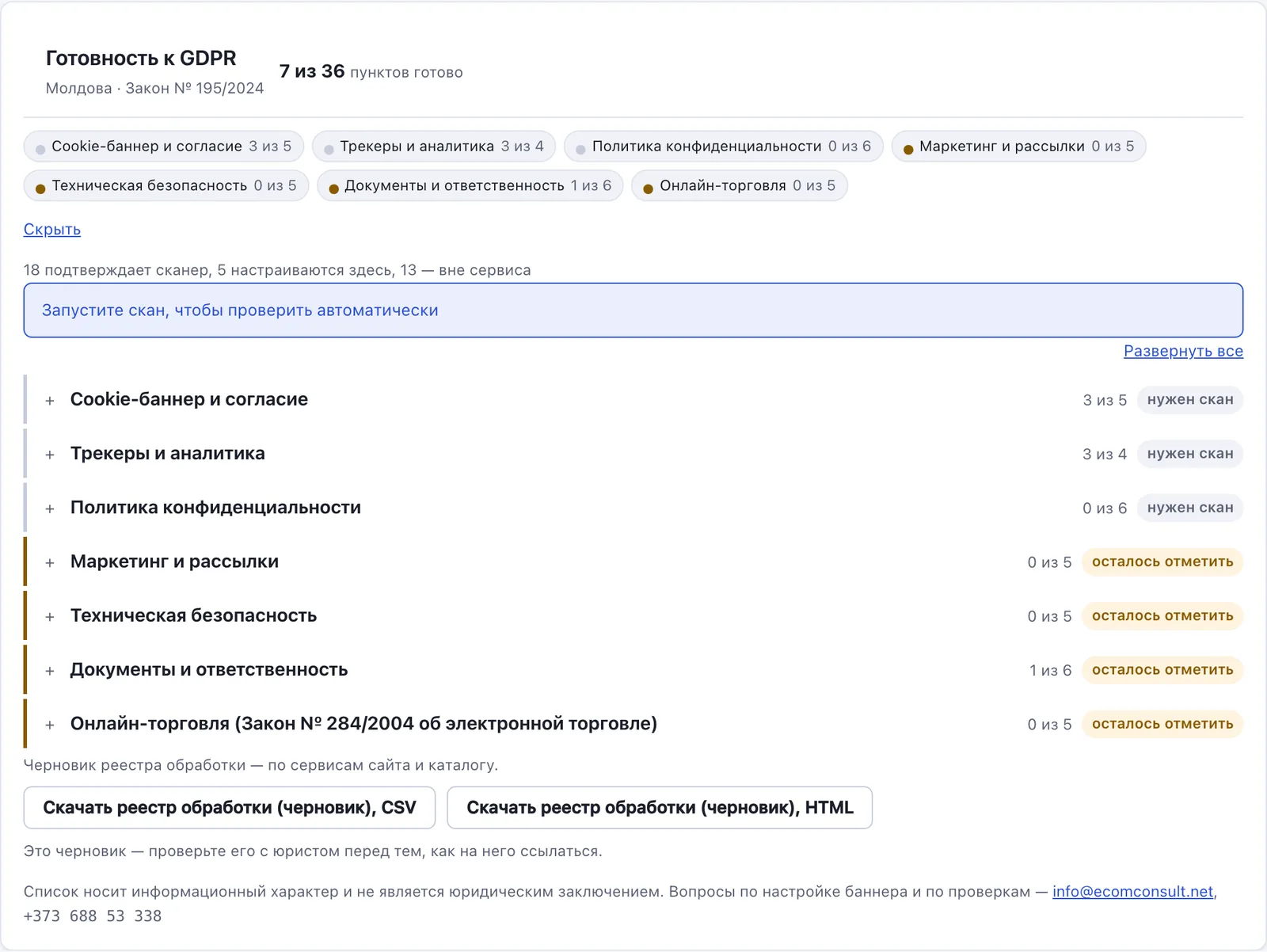
36 checks in the dashboard: the scanner confirms some of them, the rest is a short to-do list with hints.
10 minutes to install €0 forever
The banner goes up in ten minutes on any site. Your visitor answers first, and only then do the trackers start.
Free forever: one site, one banner language, two manual scans a month.
Free check
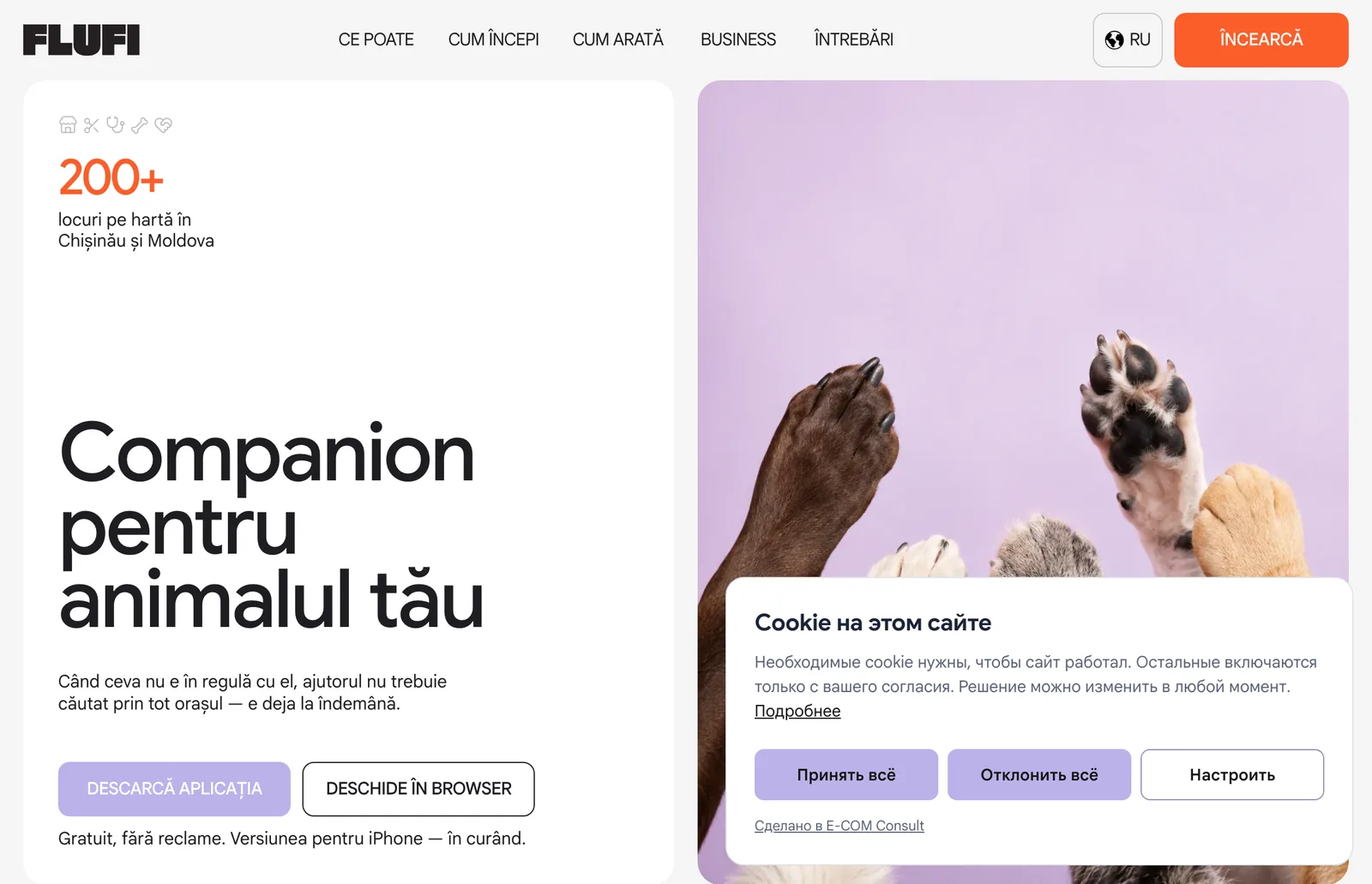
We will show you which services and cookies load before consent. Public pages only.
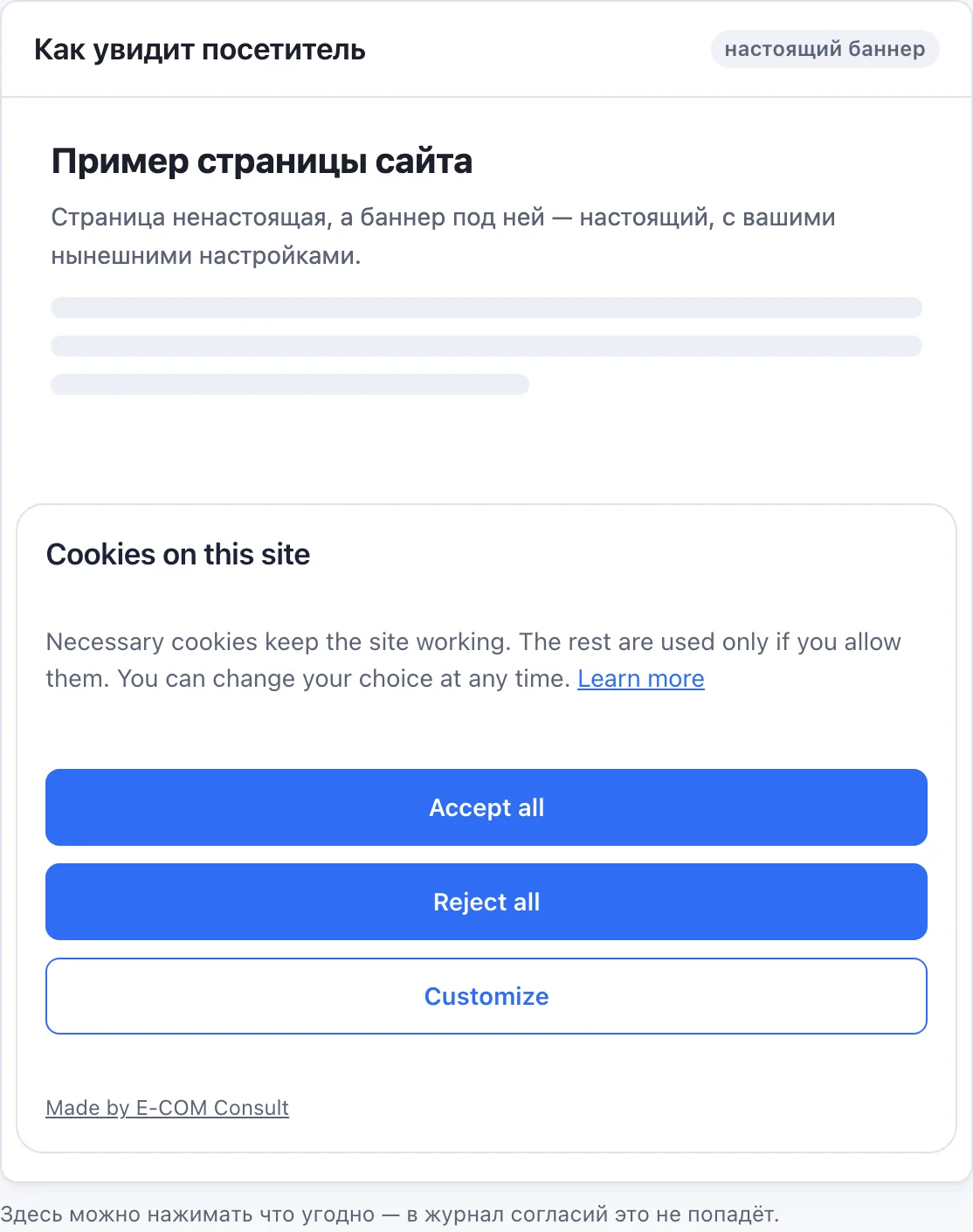
The same banner: bar, box or modal, light and dark theme, the visitor’s language and your site’s colour.
This is a real banner, not a screenshot. Change the layout, position, theme, colour and language — the banner changes at once.
Clears the saved choice and shows the banner again.
In Consent Mode, Google services run before consent without cookies and without identifying the visitor.
One line in the head — in your builder settings, in the site template or through a tag manager. No build step, no dependencies.
The dashboard finds the line on your site: that both verifies the domain and confirms the install.
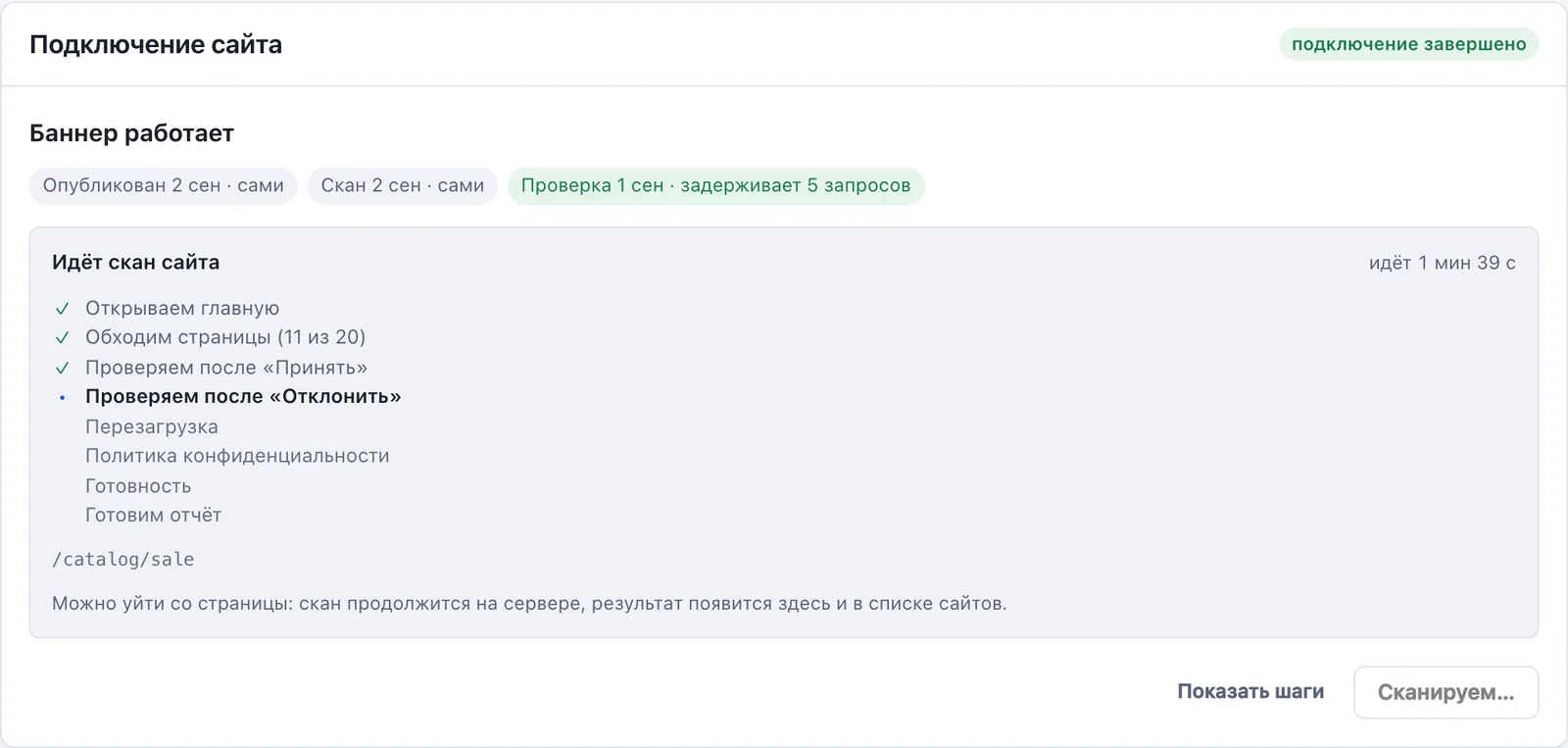
The scanner walks the site, finds third-party services and cookies and offers a ready-made table for the banner.
The first version publishes itself. Adjust the colours, texts and table in the dashboard if you want to.
A plan is billed to your account: Starter per connected site, Business in packs of 10 sites. Moving to a cheaper plan never breaks anything: the banner keeps working, automatic scans stop, and the attribution line comes back.
Cheaper than a single letter from a lawyer.
Prices in euro, excluding VAT. Legal entity: E-COM CONSULT PLUS, Moldova.
36 points
36 checks in the dashboard: the scanner confirms some of them, the rest is a short to-do list with hints.
every week automatic scan
The scanner walks your pages, collects the cookies and trackers, and refreshes the list every week. When a new service appears on the site, you read about it in the dashboard.
every answer in the log
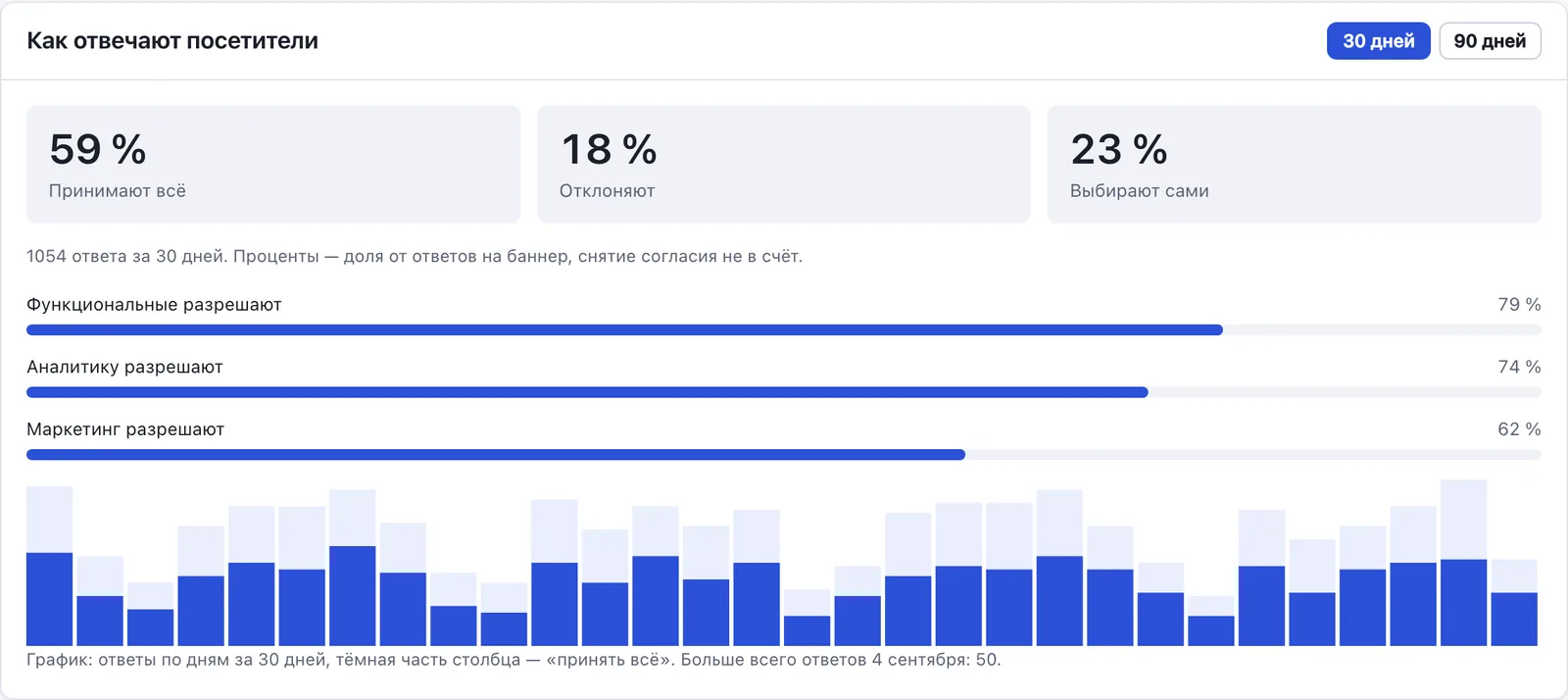
Every visitor answer is stored in case you are ever asked.
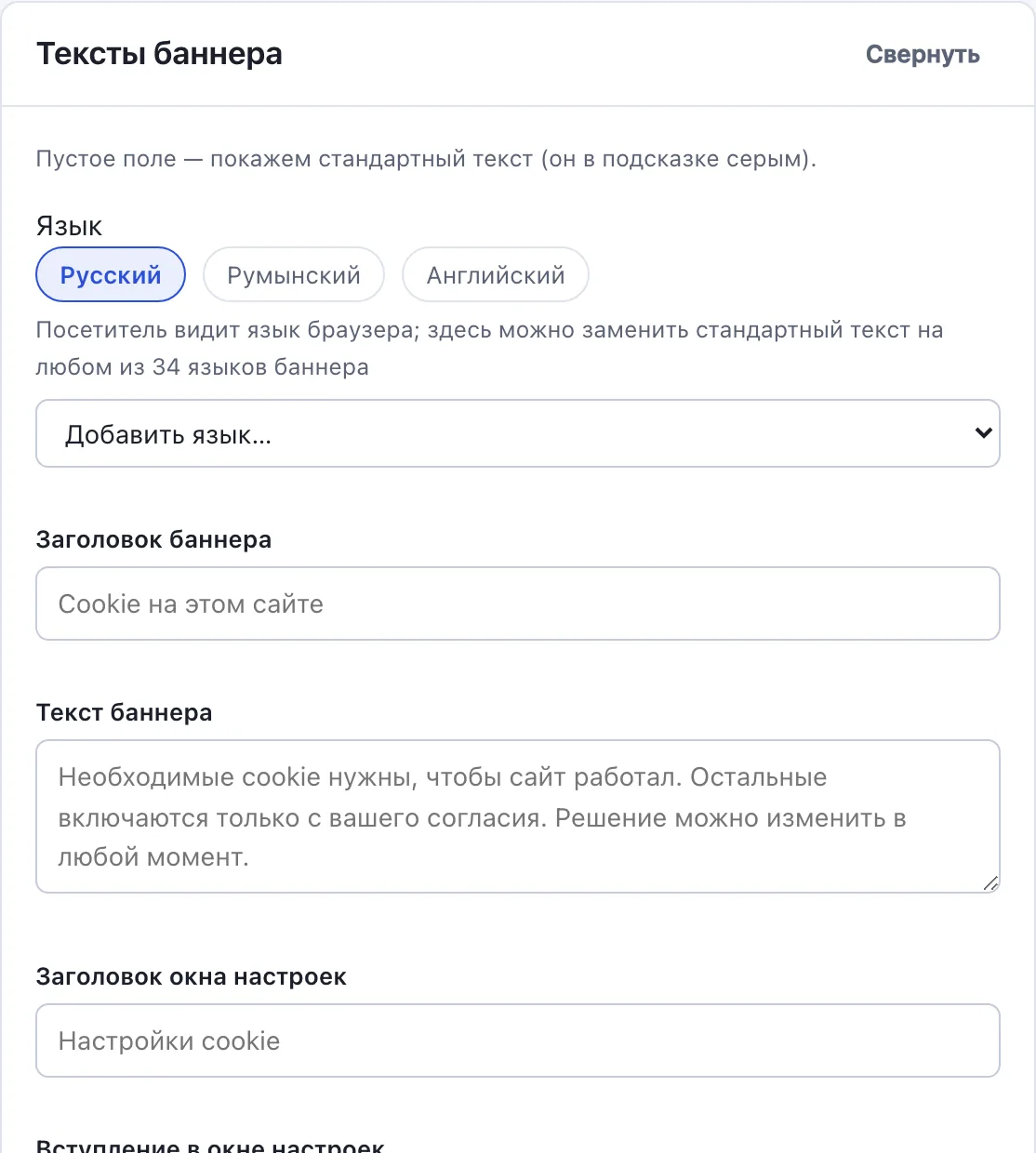
34 languages
Your company details, the address for requests and the links to your policies — in the banner and in the settings window. On paid plans, your own text in any of the 34 languages; the rest the visitor sees in their own.
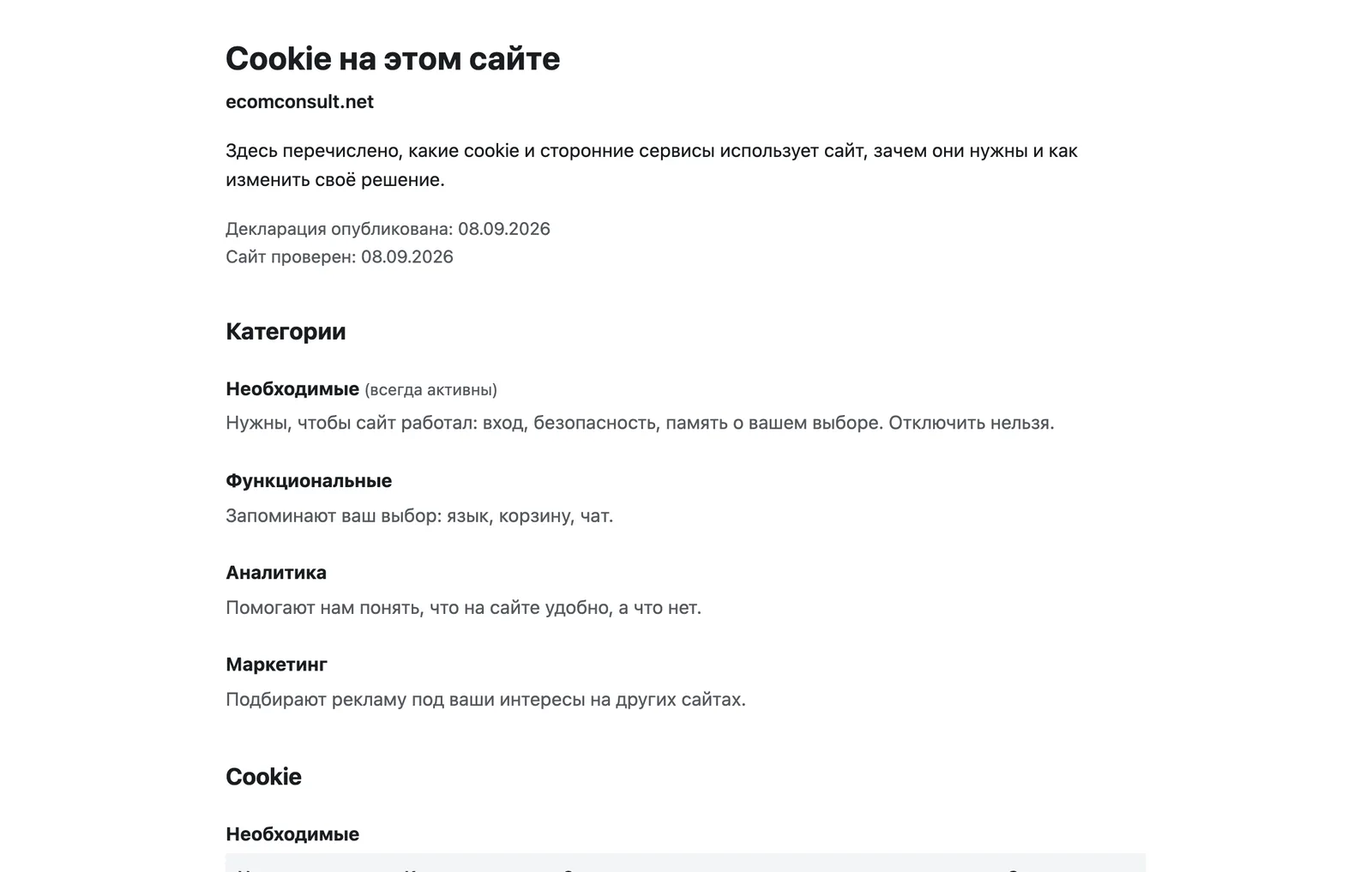
1 page
The list of cookies, with what each one is for and how long it is kept, lives on its own page. The link goes in the site footer and in the banner settings window.
10 minutes to install
A site builder, WordPress, a shop, a tag manager or plain HTML. The dashboard shows straight away what the visitor will see.
Analytics and ads do not start until your visitor presses a button.
A refusal does not switch Google off entirely: it counts without cookies and without identifying the visitor.
Russian, Romanian and English — the interface, the mail and the scanner's hints. Your visitor sees the cookies in their own language.
Colleagues and contractors work on the site under their own addresses: an editor configures, an observer only looks.
The same thing can be assembled by hand. Below is what that would mean, and what is already done for you.
| On your own | ConsentKit | |
|---|---|---|
| Installing the banner | Markup, a blocking script, testing | One line in head, 10 minutes |
| Banner languages | Translate every text | 34 languages at once (on paid plans) |
| The cookie list | Collect and update it by hand | The scanner finds and updates it |
| Consent log | Your own database and export | Every answer, export to CSV |
| Ready for the law | Check against the text of the law | 36 points in the dashboard, some checked by the scanner |
| Updates | Follow the changes yourself | They arrive from the server |
A free plugin will show a banner too, and for many sites that is enough. ConsentKit is built for Moldova: readiness for Law 195/2024 is broken down into 36 points in the dashboard, on paid plans Romanian and Russian sit in one banner, support is local, and the invoice for your accountant arrives by email. And everything is set up in a separate dashboard, not in your site’s admin panel.
There is nowhere to upload files, so we hand you the whole block instead. Paste it into the field for code in the head — one paste, no plugins.
The plugin installs by copying a folder and is configured in the admin. It works with caching plugins too: the banner does not depend on PHP.
Many sites in one dashboard, access for colleagues with roles, scheduled scans and alerts about new trackers. Terms by agreement.
Three tags to load the client and one call to configure it — no build step and no dashboard.
Open source under MIT, zero dependencies, 34 languages, Google Consent Mode v2.
Analytics on this site is switched on only after you answer the banner.
<script src="ck-core.js"></script>
<script src="ck-locales.js"></script>
<script src="ck-ui.js"></script>
<script>
  ConsentKit.init({
    language: 'auto',
    layout: { type: 'bar' }
  });
</script>